
A brochure is a useful marketing tool for businesses, organizations, schools, events, and individuals who want to present information in an attractive and organized way. A well-designed brochure can introduce a company, explain its services, promote products, or provide useful details about an event. With the right approach, anyone can create a professional brochure that captures attention and communicates information clearly.
Understanding the Purpose of a Brochure
Before designing a brochure, it is important to understand its main purpose. Every brochure should have a clear objective. It might be created to advertise a new product, explain a service, promote a special offer, introduce an organization, or provide information about an upcoming event.
Knowing the purpose makes it easier to decide what information should be included. Instead of adding unnecessary details, focus on the content that matters most to the intended audience.
Choosing the Right Brochure Format
Brochures are available in different formats, and the best option depends on the amount of information you need to present. A single-page brochure can work well for simple announcements, while bi-fold and tri-fold formats provide additional sections for detailed information.
For businesses with many services or products, a multi-page brochure may be more appropriate. Consider how and where the brochure will be used before selecting its size and structure.
Creating an Attractive Layout
A good layout makes information easier to understand. Avoid filling every available space with text and images. Instead, leave enough white space around important elements to create a clean appearance.
Use clear headings to separate different sections. Short paragraphs and bullet points can make information easier to scan. The most important message should receive enough visual attention so readers can understand it quickly.
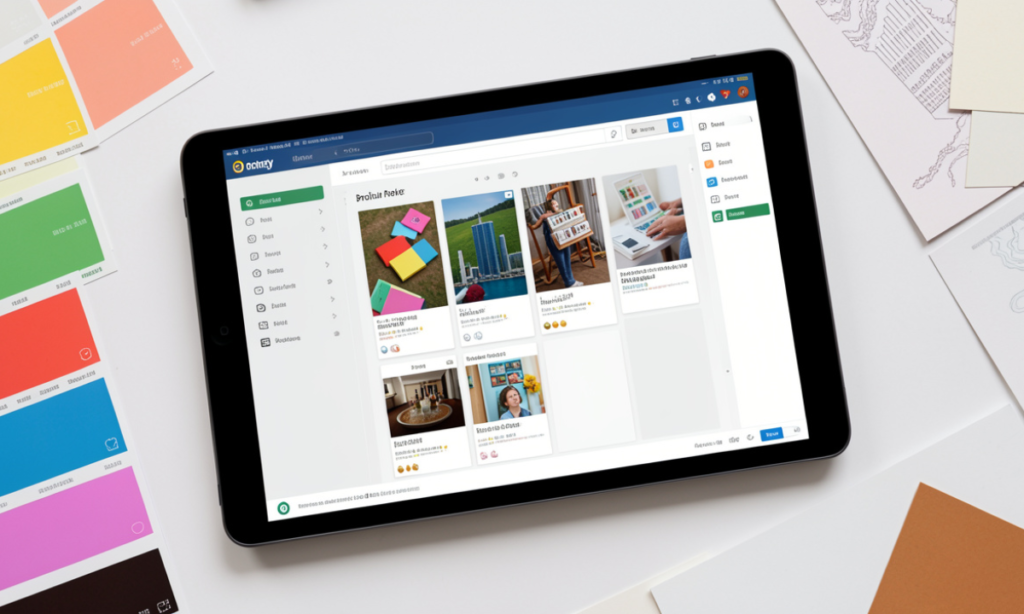
A brochure maker can help simplify the design process by offering templates and customization features. Users can adjust text, images, colors, and other design elements to create a brochure that matches their specific requirements.
Selecting Appropriate Images
Images can make a brochure more attractive and help readers understand the subject. Choose high-quality photographs, illustrations, or graphics that directly support your message.
For example, a restaurant brochure might feature photographs of popular dishes, while a real estate brochure could showcase property interiors and exterior views. Avoid using random images simply to decorate the page because they may distract from the main message.
Using Colors and Fonts Effectively
Color plays an important role in creating a consistent visual identity. Choose colors that match the business or organization and make sure there is enough contrast between the text and background.
Fonts should be simple and readable. Decorative fonts may work for a main heading, but they can become difficult to read when used for large amounts of text. Maintain consistency by using a limited number of fonts throughout the brochure.
Writing Clear and Useful Content
The written content should be concise and focused on the reader’s needs. Start with a strong headline that explains the main subject. Follow it with short descriptions that highlight important features, benefits, or information.
Avoid complicated language when simple words can communicate the same idea. Include contact information, website details, location, or other relevant information that helps readers take the next step.
A clear call to action is also valuable. It can encourage readers to contact the company, visit a website, schedule a service, attend an event, or make a purchase.
Reviewing the Final Design
Before printing or publishing a brochure, carefully review every element. Check spelling, grammar, dates, prices, contact information, and website addresses.
Also make sure that images are clear and that text is properly aligned. If the brochure is intended for printing, confirm the paper size, margins, and image quality before sending it to the printer.
Conclusion
Creating an effective brochure requires a combination of good planning, clear writing, attractive visuals, and thoughtful design. By understanding your audience, choosing the right format, organizing information carefully, and maintaining a consistent visual style, you can produce a brochure that looks professional and communicates its message effectively.
A successful brochure does more than display information. It guides readers toward a specific action and helps create a positive impression of the business, organization, product, or service being presented.